
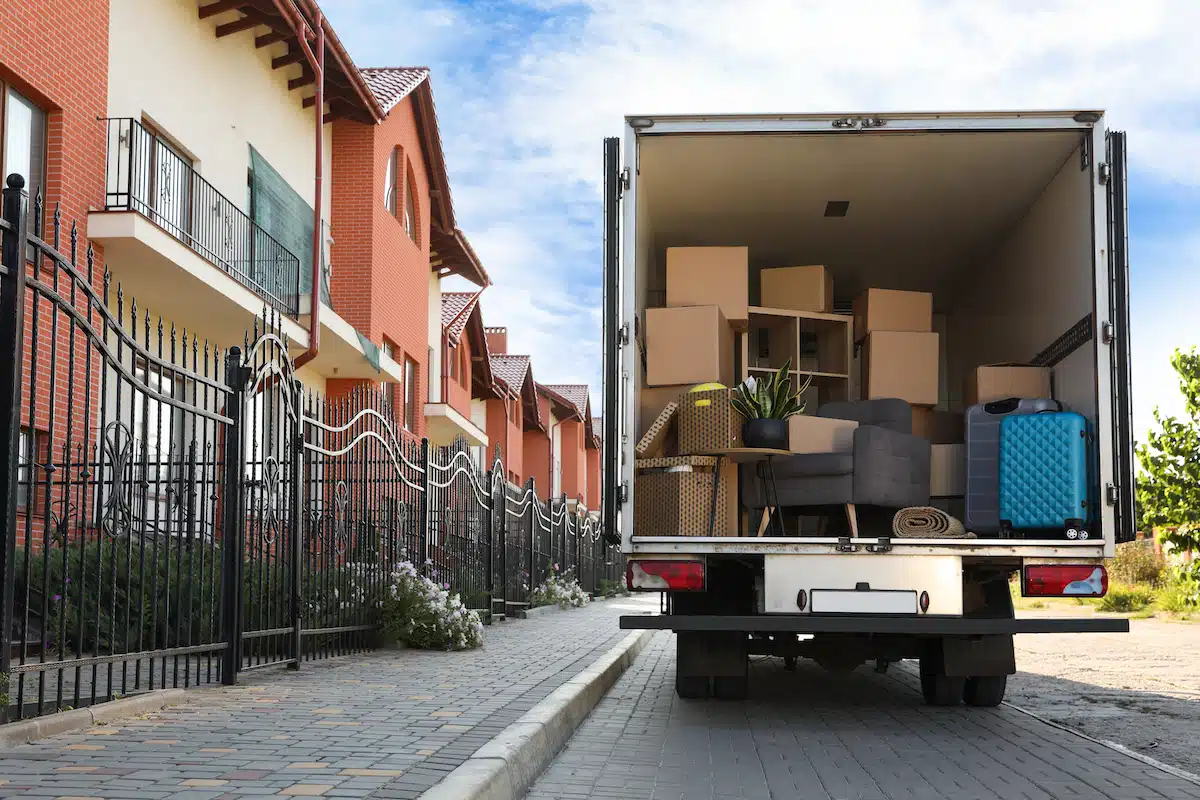
Get the right coverage for your new digs.
When you move to a new address-whether it’s to a new state, or to a different unit in the same building-you can (and should) transfer your renters insurance to the new address.
You can’t technically “transfer” the same policy to the new address. You’ll need to buy a new policy for your new digs and set the start for your move-in date, then cancel your old policy when you move.
That’s because your renters insurance needs to match your current address to make sure you have the right coverage and policy price. Different locations can have varying risks and coverage requirements. So if, for example, you move to a newer building with advanced security features, your insurance premium might decrease due to the reduced risk of theft or vandalism.
Let’s get into the nitty gritty of how to make sure your renters insurance coverage stays up-to-date when you move.
How do I transfer my renters insurance to a new address?
Switching your renters insurance to a new address will depend on your renters insurance provider and your unique circumstances, but here are some general steps to follow:
Step 1: Notify your insurance company early
You should ideally let your insurance company know about your upcoming move as soon as you sign your lease agreement.
Contact your insurance agent or insurance provider-whether that’s by calling, sending an email, or using a mobile app-to inform them of important details such as the date of your move and your new address.
Step 2: Provide necessary information
You will need to provide specific and accurate information about your new rental, such as:
- New address: Street address, apartment number, city, state, and zip code
- Updated contact information
- Exact date of your move
- Details about the property: Like whether it’s a single-family home or an apartment, and any security features such as gated access or alarm systems
- Any changes in your living situation: Like if you’re moving in with roommates or a significant other, if you got a new pet, or if the value of your personal property-which means “the stuff you own”-has increased (or decreased)
Step 3: Review your new coverage needs
Evaluate your current policy to see if it still meets your needs. You might want to adjust your coverage limits to reflect the value of your personal belongings, and any new risks associated with your new home.
If you’re interested, check out our handy guide to estimate how much your stuff is worth.
Step 4: Confirm the transfer
You’ll need to set up a new policy for the new address and cancel the old one when you move.
Once all details are provided and any adjustments are made, confirm the transfer of your policy with your insurance company.
Make sure you receive written confirmation of the changes and keep your policy documents updated to avoid gaps in coverage.
When is the best time to transfer my renters insurance to my new address?

The best time to transfer your renters insurance is before you move into your new home.
Notify your insurance company as soon as you sign the contract for your new place, or at least a few weeks in advance of your move-in date. This way your coverage will be set up as soon as you settle into your new pad.
Keep in mind: Renters insurance isn’t the only place you’ll need to update about your address when you move. Head to our comprehensive change of address checklist to make every switch as smooth as possible.
Is there a fee for transferring renters insurance to a new address?
Most insurance companies allow you to update your address without a fee, but your premium might change.
It’s best to check with your insurance provider to confirm their specific policy.
How can I transfer my Lemonade renters insurance policy to a new address?
It’s easy to transfer your Lemonade renters insurance coverage when you move. To set up your future policy in the Lemonade app, first make sure it’s downloaded on your phone. Once you’re logged in, simply click the little plus sign next to your policy on the home screen.
If you’re using the web login instead, head over to Lemonade.com and click on ‘My Account’. Once you’re signed in, the top section offers you ‘Homeowners’, ‘Renters,’ ‘Car,’ ‘Pet Health’, and ‘Term Life.’Click the + symbol on the policy type (renters, in this case) to add a new policy.
Once you’re moved out of your old place, don’t forget to cancel your old policy!
Before we go…
If you’re not fully satisfied with your current renters insurance, but still want to have coverage at your new digs, moving is a great time to explore better options. And while you’re at it, why not take Lemonade renters insurance for a spin?